Reference

Open braja on Your Phone in Seconds

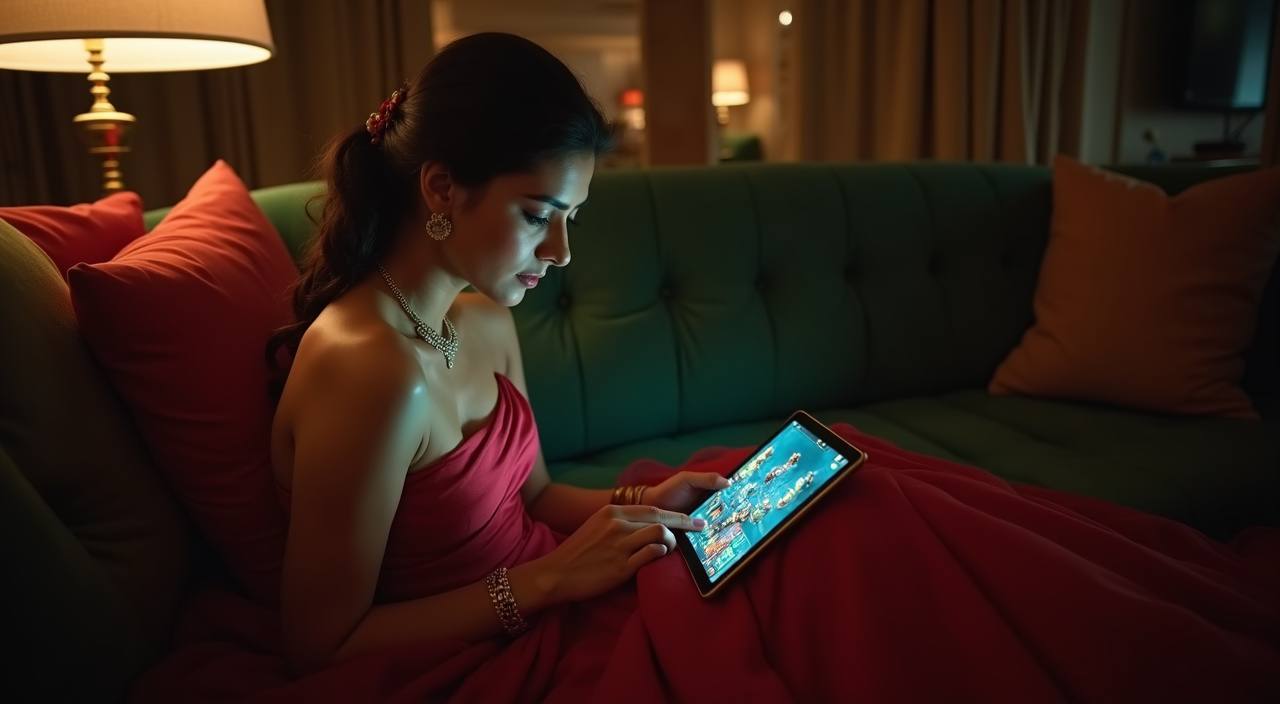
Our Android and iOS app puts live casino tables, cricket sportsbook markets and slot rooms from Pragmatic Play and PG Soft directly on your home screen.

Android APKiOS Compatible30 MB InstallPush AlertsFingerprint Login
braja Open braja on Your Phone in Seconds
APP SECURITY DETAIL

Discover How We Keep Your App Session Safe

We take the same security approach on mobile that protects your browser sessions, plus a few extras that only a native app can provide. Your credentials and wallet data never sit exposed.

Code Signing

Every APK release is digitally signed with our private key. Your phone verifies this signature before install, which means tampered files get rejected automatically before they ever run.

No Third-Party Stores

We distribute the app only through braja directly. You will not find it repackaged on random APK sites, which eliminates the risk of modified versions carrying unwanted code.

Encrypted Sessions

All data between the app and our servers travels over encrypted channels. Your bKash, Nagad or Rocket transaction details stay private from the moment you tap confirm.

Auto Logout

If your phone sits idle for an extended period the app locks your session. Re-entry requires biometric or PIN, so even a lost device does not expose your balance or bet history.

Account Recovery

Lost your phone? Log in from any browser on a new device, verify via SMS OTP sent to your registered number, and your full account including withdrawal history is restored immediately.

Regular Updates

We push app updates when security patches or new device compatibility fixes are ready. The app notifies you on launch if an update is available so you always run the current version.

INSIDE THE APP

Browse Six Features That Keep You Moving

These are the details that separate our app from just loading the site in a mobile browser. Each one shaves time off your session flow and keeps the experience smooth on mid-range devices common across Bangladesh.

Biometric Login Skip your password entirely. The app accepts fingerprint or face unlock so you move from lock screen to lobby in under two seconds. Works on most Android devices running version 8 and above, plus compatible iOS models.
Push Notifications Get alerts for withdrawal confirmations, new game drops and promo changes. You control which categories push to your phone inside the app settings panel, so nothing interrupts you that you did not ask for.
Dark Mode Switch the interface to a dark palette that is easier on your eyes during late sessions. It also cuts battery drain on OLED screens, which matters if you are playing on mobile data away from a charger.
Quick Deposit Bubble A floating button stays visible on every lobby screen. Tap it, choose bKash, Nagad or Rocket, confirm with your PIN in the wallet app, and funds land on your account balance without navigating away from the game list.
Offline Lobby Preview Even without a live connection, the app caches your recent lobby state so you can browse game tiles, check your last bets and read promo details. Once connectivity returns everything syncs automatically.
Session Memory Leave the app to answer a call or check Messenger and come back to exactly where you left off. Your betslip, half-filled deposit form or live table seat stays active for several minutes in the background.
HELP INSIDE THE APP

Get Assistance Without Leaving Your Screen

If something goes wrong during install or while you are mid-session, our support paths are built into the app itself. No need to open a browser or hunt for an email address.

In-App Live Chat Tap the chat icon on the bottom bar and connect to a support agent directly. Conversations stay threaded so you can scroll back to previous exchanges without repeating yourself. Available around the clock for account and deposit queries.
Email Support Send a message from inside the app settings and it auto-attaches your device info and account ID so the team can diagnose faster. Expect a reply within the same day for most issues.
Install Troubleshooting A dedicated section inside the app menu walks you through common Android permission issues, storage errors and OTP delays. Step-by-step with screenshots so nothing is left to guesswork.
braja Explore What the braja App Actually Does

Explore What the braja App Actually Does

Once you install the app, you land on the same lobby you see on desktop but resized for thumb navigation. Swipe between live dealer rooms like Dragon Tiger and Lightning Roulette, jump to the sportsbook for IPL or BPL odds, or scroll the slot wall where Gates of Olympus and Aviator sit side by side. The app holds your session state, so

if you switch to your bKash app mid-deposit the funds still land correctly when you return. Notifications tell you when a promo rotation changes or when account verification steps need attention. Quick-deposit sits as a floating button on every screen so you never dig through menus to fund a round. Your bet history, active slips and withdrawal status live under one account

tab accessible from any page inside the app.

SCREEN BY SCREEN

Switch Between App Screens Without Losing Your Place

Every screen inside the app is designed for one-hand use. The bottom navigation bar gives you lobby, sportsbook, account and support in a single tap. Swipe gestures let you move between categories without loading new pages, and the search bar at the top finds any game by name or provider. Players in Dhaka commuting on crowded buses or sitting in a cha stall can navigate the full experience with just their thumb.

braja mobile gaming
Live lobby preview
Cricket betslip builder
Slot favourites list
Account and wallet tab
Promo rotation feed
Support chat shortcut
braja Install the braja App on Any Android Phone

Install the braja App on Any Android Phone

The APK file is around 30 MB so it downloads even on slower connections. You do not need Google Play for this, just a quick settings toggle. The whole process takes less time than topping up your Nagad balance. After install, sign in with your existing account or create a new one directly inside the app using your mobile number and an

OTP sent via SMS. If you already have a braja account from the browser, your balance, history and active promos carry over instantly.

  • Download the APK — Tap the download link on braja from your phone browser. The file saves to your Downloads folder automatically.
  • Allow Unknown Sources — Go to Settings, then Security, and enable installs from unknown sources for your browser. This lets Android accept the APK.
  • Open and Sign In — Tap the downloaded file, let it install, then open the app. Enter your mobile number, confirm the OTP, and you are inside the lobby.
DEVICE REQUIREMENTS

Check Your Phone Fits These Specs

We built the app lean so it runs on the handsets most people actually carry in Bangladesh, not just flagships. Here is what your device needs to handle everything smoothly.

Method Payout time Speed
Android Version Android 7.0 (Nougat) or higher. Most Samsung, Xiaomi, Realme and Oppo phones sold in the last five years qualify without issue. Fast
iOS Version iOS 13 or later. That covers iPhone 6S and every model released after it, including SE models. Fast
RAM At least 2 GB of RAM for the lobby and slot games. Live dealer streams perform better with 3 GB or more available. Medium
Storage The install uses around 30 MB. With cached lobby data and offline previews, budget roughly 80 MB total over time. Medium
Network Works on 4G mobile data or Wi-Fi. Live dealer streams need a stable connection; slots and the sportsbook function fine on moderate signal. Slow

Get Answers About the braja App

These are the questions our support team hears most from people downloading or using the app for the first time.

Head to braja on your phone browser and tap the download button. The APK file saves to your device automatically. We do not distribute through third-party APK sites, only our own domain.

Yes. iOS users on version 13 or later can add the app via the link on our site. It functions as a full-featured web app pinned to your home screen with push notifications and biometric login enabled.

No. Sign in with the same mobile number and credentials you use on the browser version. Your balance, bet history and any active promos sync instantly once you log in.

The initial APK is around 30 MB. With cached lobby data and offline previews the total footprint stays below 80 MB, well within range for most budget and mid-range phones.

Absolutely. The quick-deposit button opens your chosen wallet app directly. Confirm with your PIN there and funds reflect on your braja balance without switching back and forth manually.

Yes. The app sends a push alert the moment your withdrawal is processed. You can also enable alerts for new game drops and promo rotations inside the settings panel.

Log in from any other device using your registered mobile number plus the SMS OTP we send. Your full account, including balance and history, restores immediately on the new device.

It runs on Android 7.0 and above with at least 2 GB of RAM. That covers most Xiaomi, Realme, Samsung and Oppo handsets sold in the last five years across Bangladesh.

When a new version is available you see a notification on launch. Tap it to download the updated APK from braja, install over the existing version, and your data stays intact.

Every APK we release is code-signed with our private key. Your phone verifies the signature before installing, rejecting any file that has been modified. We recommend downloading only from braja directly.